PYLON TURN · SUPPORT
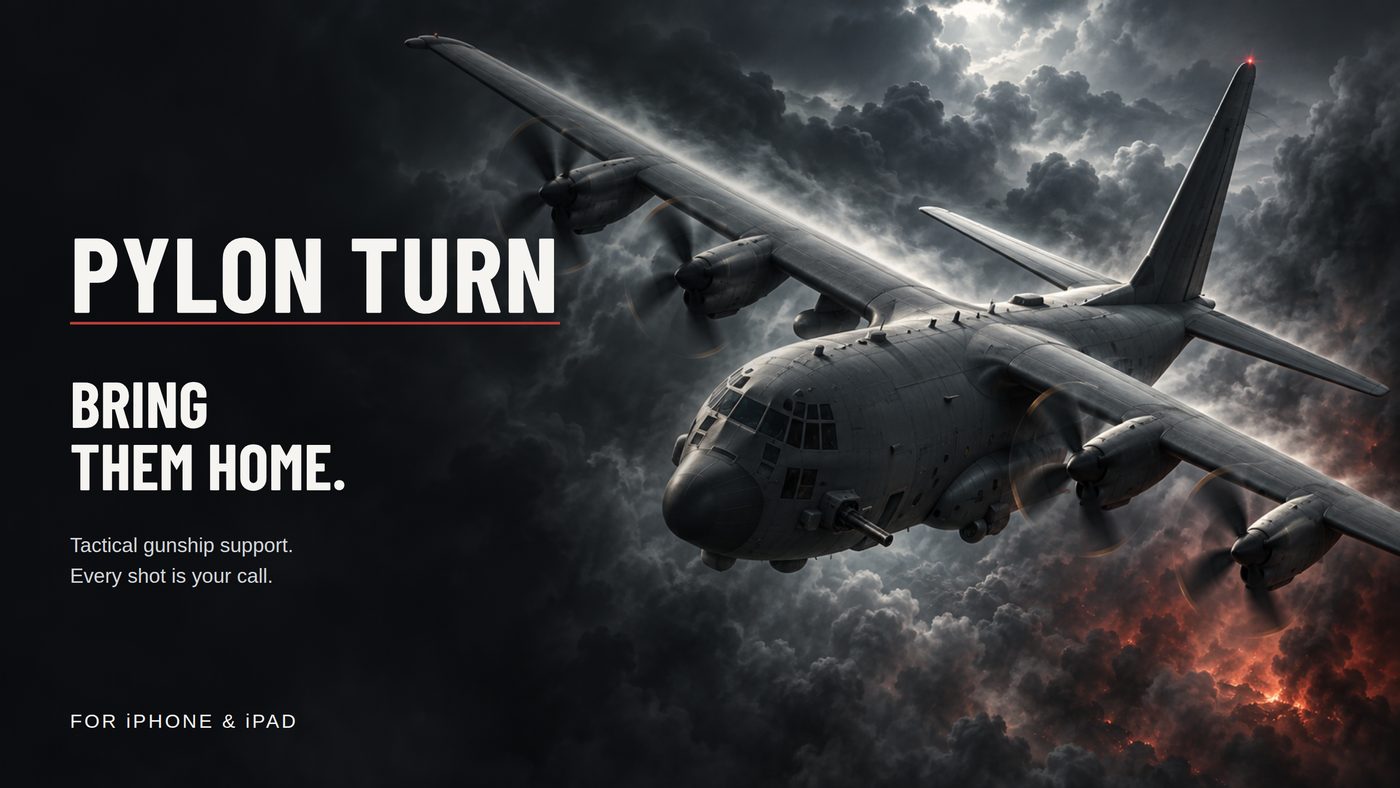
A thermal gunship game for iPhone.
What it is
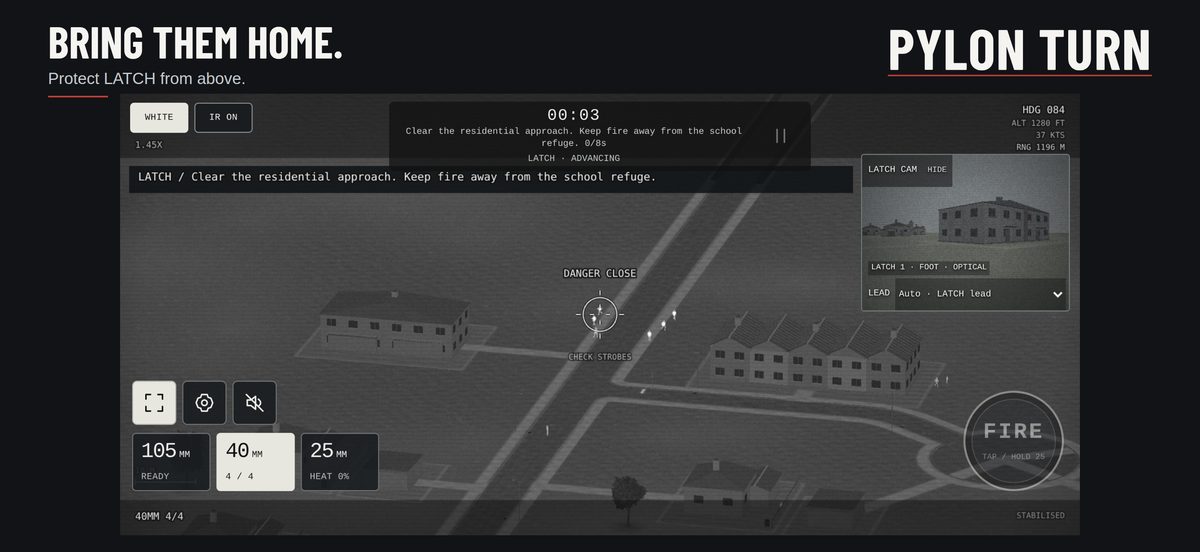
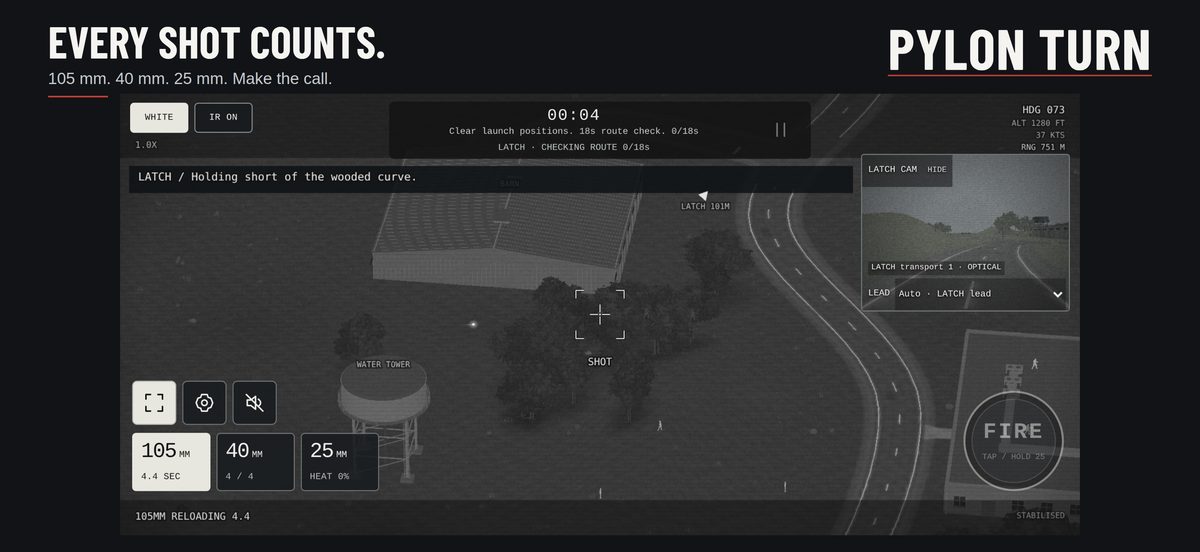
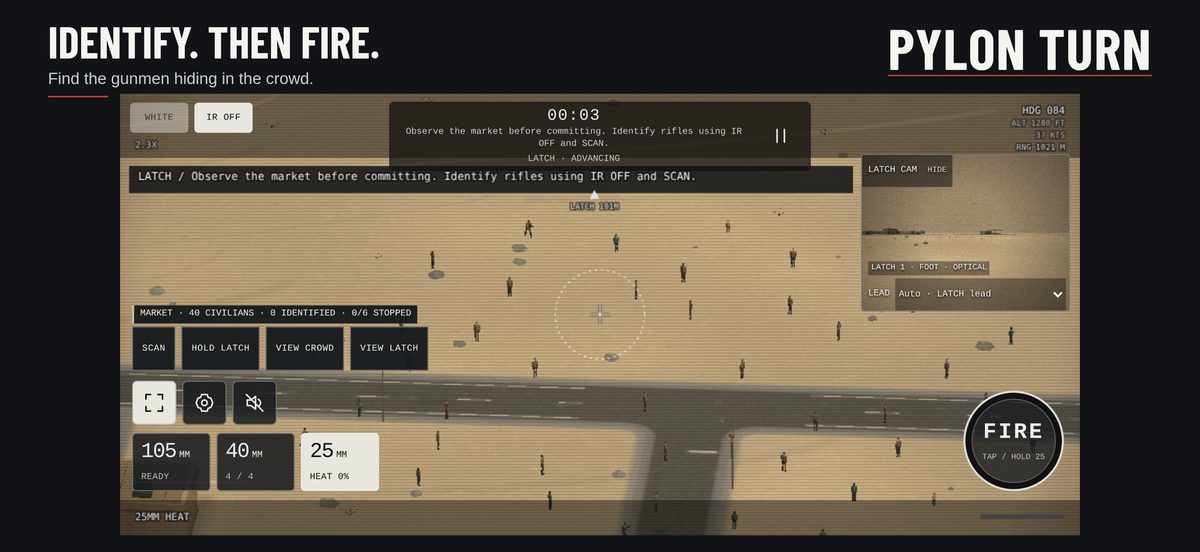
You are the sensor operator in an aircraft orbiting a ground team called LATCH. Aim the sensor, choose the gun, tell friend from foe on the infrared and optical views, and bring the team home through 27 missions across eight locations. A guided training mission comes first and teaches every control.
Getting the game
- Pylon Turn needs an iPhone on iOS 17 or later. It is free, has no accounts, no purchases and no advertising, and plays offline.
- An App Store release is on its way. Until it is live, the beta is open to anyone: install the free TestFlight app, then open testflight.apple.com/join/GQSpMYNu in Safari and tap Start Testing, then Install.
- Beta builds expire 90 days after they are made. TestFlight offers the newer build; with Automatic Updates on it installs itself.
Controls
- The game plays in landscape. Drag the ground under the centre reticle to aim, or tilt the phone for small corrections; gyro aiming is on from the first tap and can be switched off in Settings.
- 105, 40 and 25 select the guns. Tap FIRE for the first two; hold it for the 25 mm.
- IR ON switches between the thermal and optical views; WHITE / BLACK flips the thermal polarity.
- The pause button opens resume, settings and mission selection. Settings has left-handed controls, audio, haptics and gyro sensitivity.
- Flashing beacons mark your own people. Civilians must not be harmed; harming them ends the mission.
Known limits
- With Low Power Mode on, iOS caps the frame rate at 30 frames per second. The game plays, but slews feel less smooth.
- Sound plays even with the ringer switch on silent; use the volume buttons or the in-game mute.
- Progress is stored on the phone only. Deleting the app resets it.
Contact and feedback
Email danclarkie@gmail.com. Say which mission you were in, what you expected and what happened; a screenshot helps. Questions about privacy go to the same address.
Beta testers can also open Pylon Turn in the TestFlight app and tap Send Beta Feedback, or take a screenshot inside the game and choose Share Beta Feedback, which attaches the picture.